Please refrain from taking photos during the ceremony.
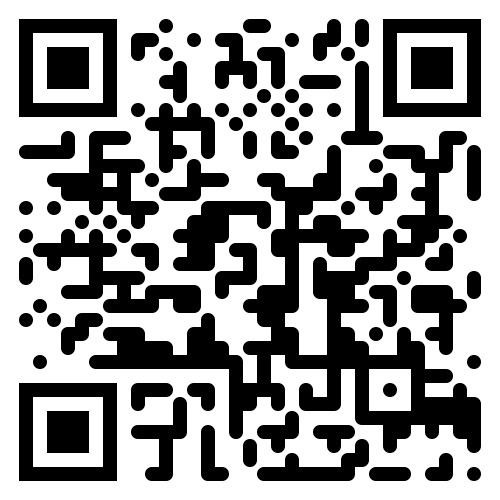
We invite and encourage you to upload any photos you take with your mobile devices of our special day. It will send the photos to a Google Drive Album for Aaron and Sheryl to view later.
Step 1: Take photos! Selfies, Group shots, Fun shots, Shots of the bride and groom. We would love to see what you come up with!
Step 2: Download the Google Photos App on your phone or mobile device.
Step 3: Load the QR code on a friend or family member’s phone or mobile device or using the ceremony or reception programs.
Step 4: Open the camera app on your phone or mobile device.
Step 5: Point your camera at the QR code.
Step. 6: Click on the yellow link showing on your screen.
Step 7: Click “Add Photos” to begin uploading your photos of our wedding.